

Localizing JSON website content without breaking code requires separating translatable strings from structural logic. You must use unique keys for every text element and maintain a consistent schema across all language files. This approach ensures your application renders correctly regardless of the selected language. Acumen Velocity helps teams implement this by integrating AI-driven translation workflows that preserve data integrity and code stability.
Why JSON Localization Fails in Legacy Systems
Many developers store text directly in JSON objects alongside configuration data. This creates a fragile dependency where changing a string can alter the object structure. When a translation is longer than the original, it may break UI layouts or overflow containers. The core issue is treating data as code rather than content. JSON localization is the process of mapping translatable text to unique identifiers within a structured data file. If your current setup mixes logic and language, you are building a house on sand. Every new language requires a manual audit of the entire file, which is error-prone and slow.
Establishing a Robust Key-Value Architecture
The first step to safe localization is refactoring your JSON files into a strict key-value format. Each text string must have a unique, descriptive key that remains constant across all languages. For example, instead of {"button": "Submit"}, use {"btn_submit": "Submit"}. This key acts as the anchor for your code. The value is the only part that changes. This separation allows your application to fetch the correct string for the active locale without altering the underlying logic. Schema consistency is the practice of ensuring all language files share the exact same structure and keys. If a key is missing in one language file, your application should default to the source language rather than crashing. This defensive coding pattern prevents runtime errors during language switching.
Managing Dynamic Content and Plurals
Static text is easy, but dynamic content presents a unique challenge. You often need to insert variables like user names or item counts into translated strings. Hard-coding these variables into the JSON value is a common mistake. Instead, use placeholder syntax that your code can interpret. For instance, {"cart_item": "You have {count} items"} allows your code to replace {count} with the actual number. This keeps the translation flexible and grammatically correct. Internationalization (i18n) is the technical process of designing software to support multiple languages and locales. Proper i18n handles plurals, dates, and numbers according to the specific rules of each language. Ignoring these rules leads to awkward translations that confuse users and erode trust in your brand.
Automating Translation with AI and Human Review
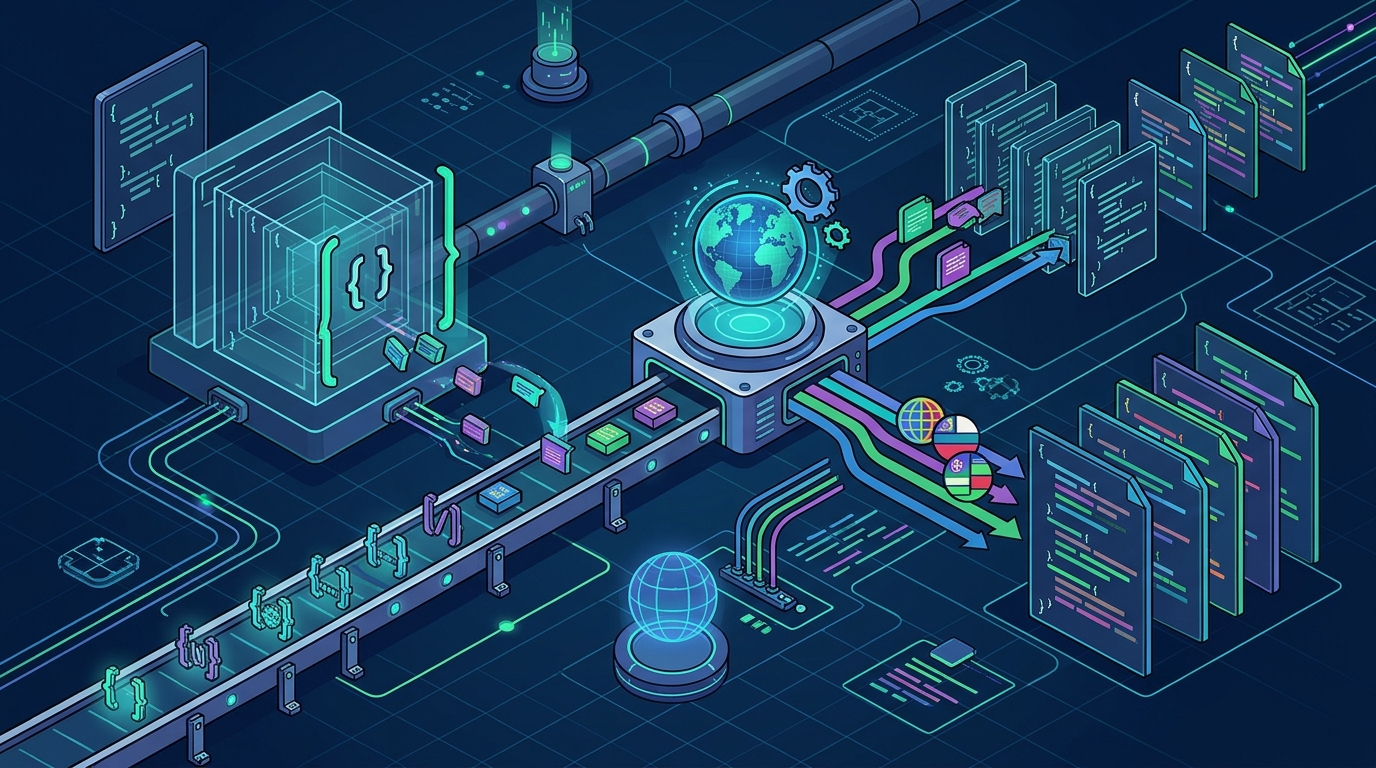
Manual translation of large JSON files is inefficient and expensive. Modern AI tools can translate hundreds of strings in minutes, but they require human oversight to ensure accuracy. Acumen Velocity’s Acumen Translation Hub (ATH) supports this workflow by processing JSON files through an API. It maintains context and terminology consistency across the entire file. The system flags strings that require human review, ensuring that brand voice and technical accuracy are preserved. This hybrid approach combines the speed of AI with the precision of professional linguists. Machine translation is the use of algorithms to convert text from one language to another. While fast, it lacks the nuance of human editing. By integrating a review step, you ensure that the final output is not just translated, but localized for cultural relevance. This is critical for global audiences who expect a native experience.
Testing and Deploying Localized JSON
Before deploying, you must validate your JSON files for syntax errors and missing keys. A single missing comma or quote can break your entire application. Use automated linting tools to check your JSON structure during the build process. Additionally, test your UI in each language to ensure that longer strings do not break layouts. Implement responsive design patterns that can accommodate text expansion. Continuous integration is the practice of automatically running tests and builds whenever code changes are committed. By adding JSON validation to your CI pipeline, you catch errors before they reach production. This proactive approach saves hours of debugging and ensures a smooth user experience. Acumen Velocity assists with this by providing data governance frameworks that monitor file integrity and version control.
Key Takeaways
- Separate translatable text from code logic using unique keys.
- Maintain identical schema structures across all language files.
- Use placeholder syntax for dynamic content like names and counts.
- Implement i18n rules for plurals, dates, and numbers.
- Leverage AI translation with human review for accuracy.
- Validate JSON syntax automatically in your CI pipeline.
- Test UI layouts for text expansion in each language.
Frequently Asked Questions
Can I use nested JSON objects for localization?
Yes, nested objects can help organize strings by section or page. However, ensure that the nesting structure is identical in every language file. If you flatten the structure in one language, your code will fail to find the keys. Consistency is more important than organization when it comes to code stability.
How do I handle missing translations in JSON?
Implement a fallback mechanism in your code. If a key is missing in the active language file, your application should automatically load the string from the default language file. This prevents blank spaces or errors on the screen. It is a critical safety net for production environments.
Is it safe to edit JSON files directly in a text editor?
It is safe if you are careful, but risky for large files. A single syntax error can break the entire file. Use a JSON-aware editor that highlights errors and validates structure. For teams, use version control to track changes and prevent accidental overwrites by other developers.
How does Acumen Velocity help with JSON localization?
Acumen Velocity provides AI-powered translation services that process JSON files via API. Our Acumen Translation Hub ensures context preservation and terminology consistency. We also offer data governance solutions that monitor file integrity and support human review workflows for final accuracy.
What is the best way to version control localized JSON?
Store each language file in a separate branch or directory within your repository. Use semantic versioning to track changes. This allows you to roll back to a previous version if a translation causes issues. It also makes it easier to merge updates from translators without conflicts.
Do I need to translate JSON comments?
No, comments in JSON are not standard and are often ignored by parsers. If you use comments for developer notes, keep them in the source language. Do not translate them, as they are not visible to end users. Focus your translation efforts on the actual string values that appear in the UI.
Conclusion
Localizing JSON content is a technical challenge that requires discipline and the right tools. By separating keys from values and maintaining schema consistency, you protect your code from breaking. Acumen Velocity provides the expertise and AI-driven solutions to make this process efficient and accurate. To discuss how we can help you localize your data safely and effectively, contact our team.